L o a d i n g

PDF CLI Toolkit

PDF CLI Toolkit

Project

PDF CLI Toolkit

Tech Stack

C#, .NET, iTextSharp/pdf libraries, CLI parsing, streaming I/O

Description

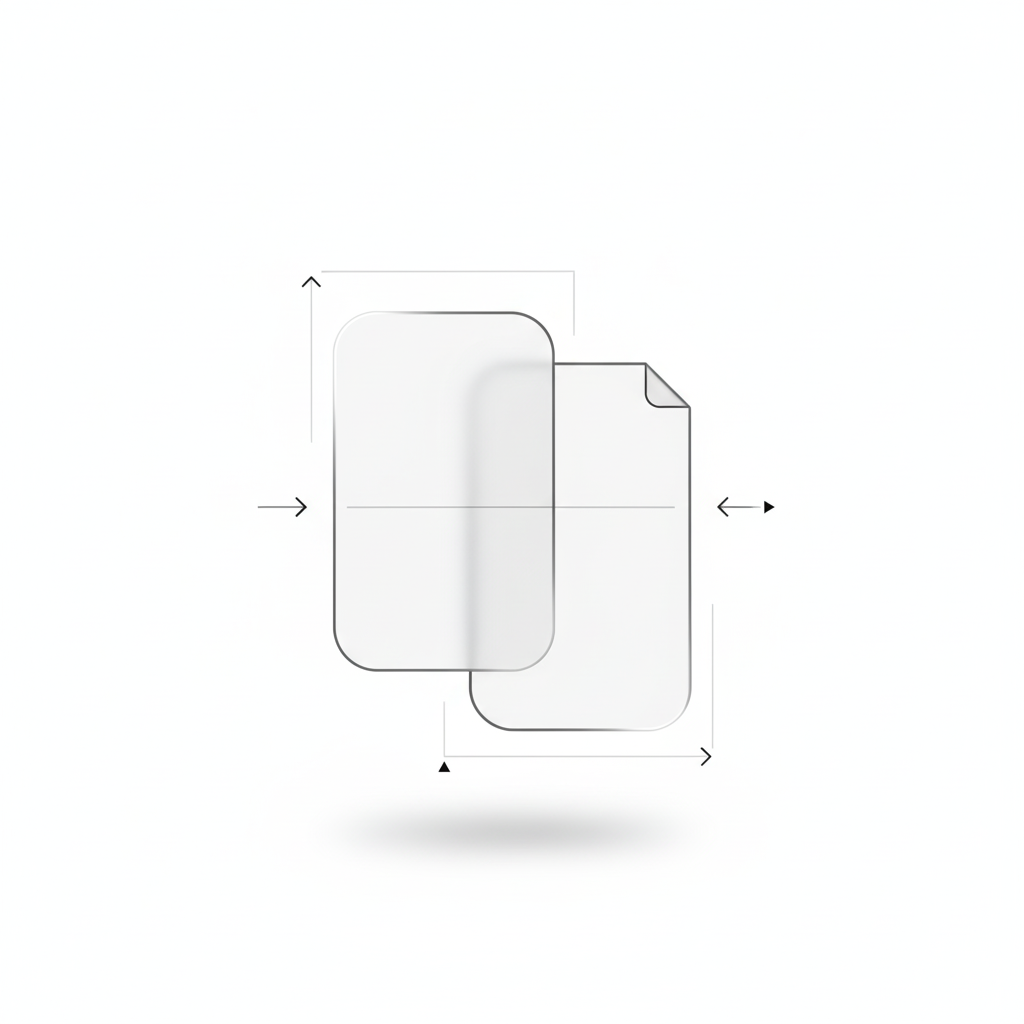
I built a PDF CLI toolkit to merge, split, convert, and extract documents in automated workflows. The pain point was simple: PDF work is often manual, and manual work does not scale. I wanted a tool that could run in scripts and pipelines, produce deterministic outputs, and handle large files without crashing. I focused on a compact feature set that covers the jobs I actually needed rather than a sprawling UI.

The toolkit is written in C# on .NET and uses PDF libraries like iTextSharp for core operations. I designed the command surface to be straightforward, with explicit flags for input, output, and page ranges. This keeps usage predictable and helps avoid mistakes when running batch jobs. I also built the core operations around streaming I/O so large files can be processed without loading everything into memory. That matters when a pipeline is dealing with hundreds of pages or very large scans.

I also paid attention to distribution and ergonomics. I packaged it as a single executable, kept dependencies small, and included example commands that cover common batch jobs. I use consistent exit codes so scripts can stop on failure and log the right error. This makes it easy to wire into CI or scheduled tasks without extra glue.

Reliability was the main design driver. I added validation to catch invalid inputs early and clear exit codes so automation can react when something fails. I also focused on keeping outputs deterministic, so page ordering and naming are consistent across runs. The tool does not assume ideal PDFs, so it handles mixed page sizes, embedded images, and odd font structures without falling apart. The goal was not perfection on every edge case, but a stable workflow that fails visibly instead of silently corrupting output.

The result is a small, dependable utility that replaces manual PDF edits with repeatable commands. It saves time, reduces errors, and makes document processing a predictable step in larger workflows. The codebase is clean enough to extend, so adding metadata edits, watermarking, or other features is straightforward. This project also reinforced why good CLI design and clear error handling matter when a tool is part of a bigger automation chain.

Ask Mariojose's Assistant

Ask me about Mariojose

Try: "What does Mariojose specialize in?" or "Show me his services and recent work."